
Create an optional adult learner account, sign in correctly and recover access without losing your learning record.
Decide whether you need an account
Public learning is free to read without an account. A learner account adds saved reading progress, assignments, recorded knowledge-check attempts and a private learning dashboard.
Create an adult account
- Open Create an Adult Account. Complete the displayed fields and read the privacy information.
- Choose a unique password of at least 12 characters. Keep optional email choices separate from the account requirements.
- Submit the form, then follow the verification link sent to your adult email address. Check your spam or junk folder if it does not arrive.
- Return to Sign In after verification. An adult manages any supervised student accounts.
Sign in with the right details
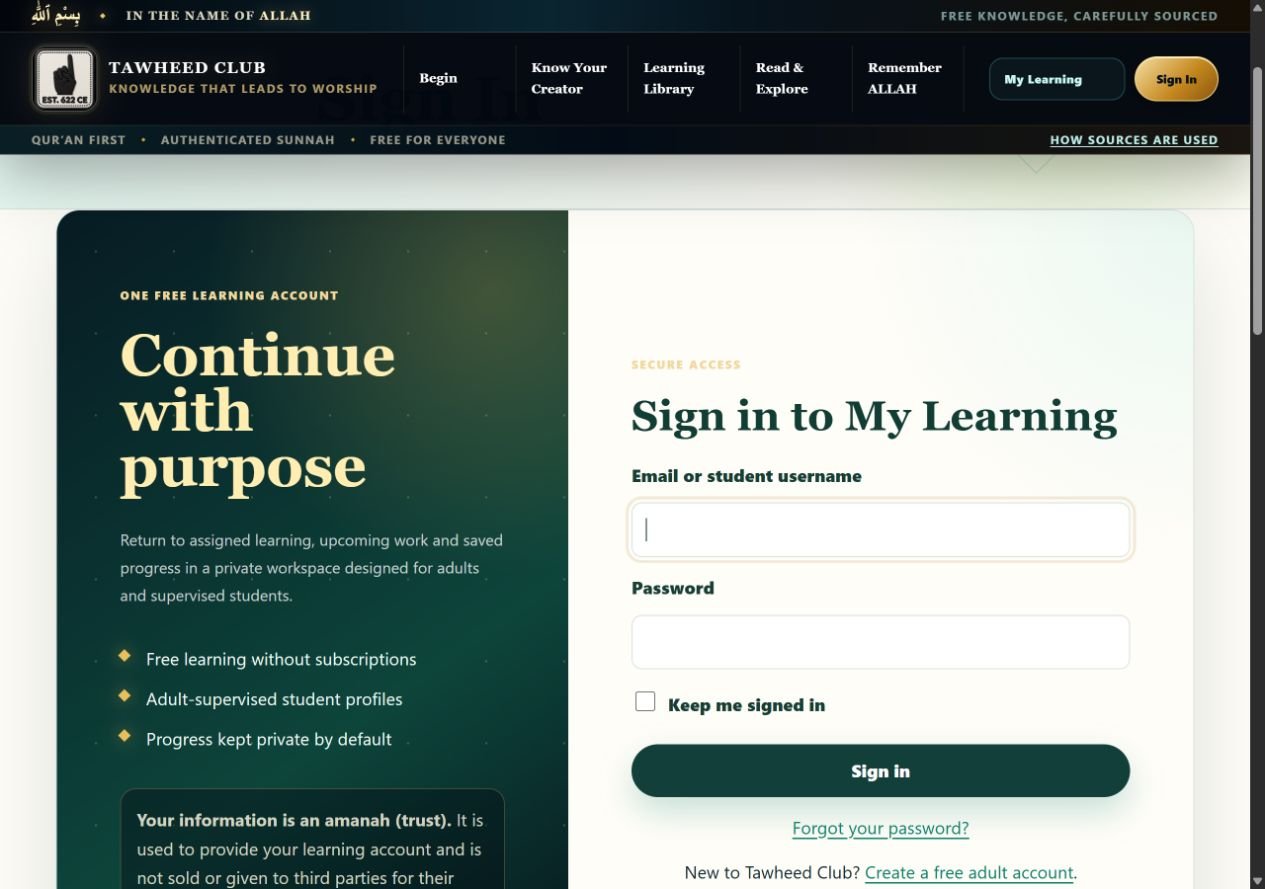
- Open Sign In. Enter your adult email address or your student username.
- Enter the password for that same account. On a shared device, leave Keep me signed in unticked.
- Select Sign in. Open My Learning to see saved work.
- When using a shared device, choose Sign out in the My Learning navigation when finished.
The public sign-in form accepts learner accounts. If it says “This sign-in page is for learner accounts”, an administrator account is not the right account for this form. Do not repeatedly reset a working administrator password.
Recover an adult password
- Select Forgot your password? or open password recovery.
- Enter the email address used for the adult learner account and select Send secure reset link. The confirmation message deliberately does not reveal whether an email is registered.
- Open the email’s secure link yourself. Enter matching new passwords of at least 12 characters, then select Save new password.
- If the link is invalid or expired, request a fresh one. Sign in again with the new password.
Student passwords are reset by the supervising adult in Account and privacy. Never send a password, verification link or reset link to support.
Tawheed Club editorial team · Guide checked 11 October 2026. Screenshots show examples; your resource, account options and browser controls may differ.